What Is IPTV and How Does It Work? A Plain-English Guide

IPTV is television delivered over your internet connection instead of a cable, a dish or an aerial. Your player asks a server for a channel, the server sends it back as data packets, and the player turns them into a picture. The technology itself is ordinary and legal; what varies between services is whether they hold the rights to what they sell. Budget a sustained 5–10 Mbps per HD stream and 25+ Mbps per 4K stream, and count every stream separately.
IPTV is television delivered over your internet connection rather than a cable, a satellite dish or a rooftop aerial. It stands for Internet Protocol Television, and it works roughly the way a web page does: your player requests a stream, a server sends it back as data packets, and your player reassembles those packets into a picture and sound.
Here's the short version of everything below. IPTV is a delivery method, not a company and not a legal category. The plumbing is ordinary and has been used by phone companies for twenty years. What varies enormously from one service to the next is whether they hold the rights to the content they are selling you, and whether your own connection can carry it at nine on a Saturday evening.
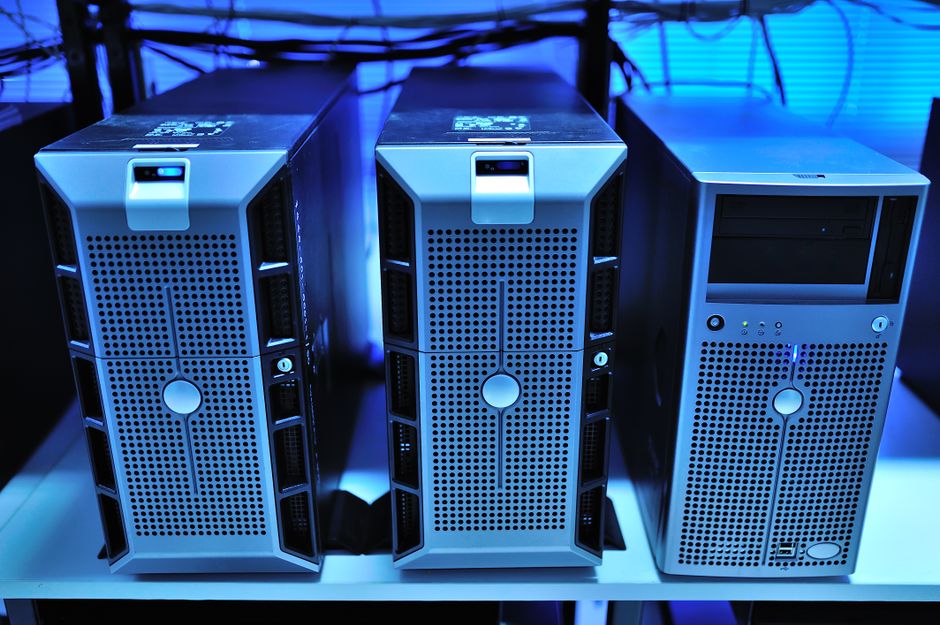
What IPTV actually is
Traditional television is a broadcast. A transmitter, a satellite or a coaxial network pushes every channel out at once, continuously, whether anyone is watching or not, and your tuner picks one out of the flood.
IPTV inverts that. Nothing is sent until you ask for it. Your player opens a connection to a server, requests one specific stream, and receives that stream and nothing else. It travels over the same TCP/IP networks that carry your email, using the same broadband line, alongside everything else in the house.
That one difference explains most of the others. Because the connection is two-way, the server knows what you asked for, which is what makes pausing, rewinding a live channel and on-demand catalogues possible at all. It also means the number of things you can watch at once is limited by your line rather than by your box — a distinction that matters more than most guides admit.
Two components arrive separately and it is worth knowing this early, because it is the single most common source of confused support emails. The channel list (usually an M3U playlist URL, or a set of Xtream Codes credentials) and the guide data (the EPG, which follows DVB metadata conventions) come from two different URLs with two different expiry dates. A working channel list with a completely blank guide is almost never a billing problem.
How IPTV works, from the broadcaster to your screen
Four stages, in order.
- Acquisition and encoding. A source feed — a satellite downlink, a studio output, a film master — is compressed into a stream your player can decode, usually at several quality levels so the stream can drop to a lower bitrate when your line dips.
- Storage and origin. Live channels pass straight through. On-demand content sits on origin servers as files, waiting for a request.
- Delivery. The stream is cut into small chunks and sent across the internet to you. Large operators push copies of popular content out to edge servers near you so the packets travel a shorter distance, which is why the same service can look flawless in one city and ragged in another.
- Decoding. Your player — a Fire TV Stick, an Android box, an Apple TV, a smart TV app, VLC on a laptop — reassembles the chunks in order, decodes them, and holds a few seconds in a buffer so a momentary dip in throughput doesn't reach your eyes.
That buffer is the entire reason "buffering" is the word everyone uses. When the picture freezes and the spinner appears, the buffer has run dry: packets are not arriving fast enough to refill it while the player empties it at normal speed. Nothing is broken. The pipe is just narrower than the stream at that moment.
Worth saying plainly: nine times out of ten, the stage that fails is stage three, and the part of stage three that fails is the last thirty metres — your router, your Wi-Fi band, your evening. That is also the only stage no provider can see or fix for you.
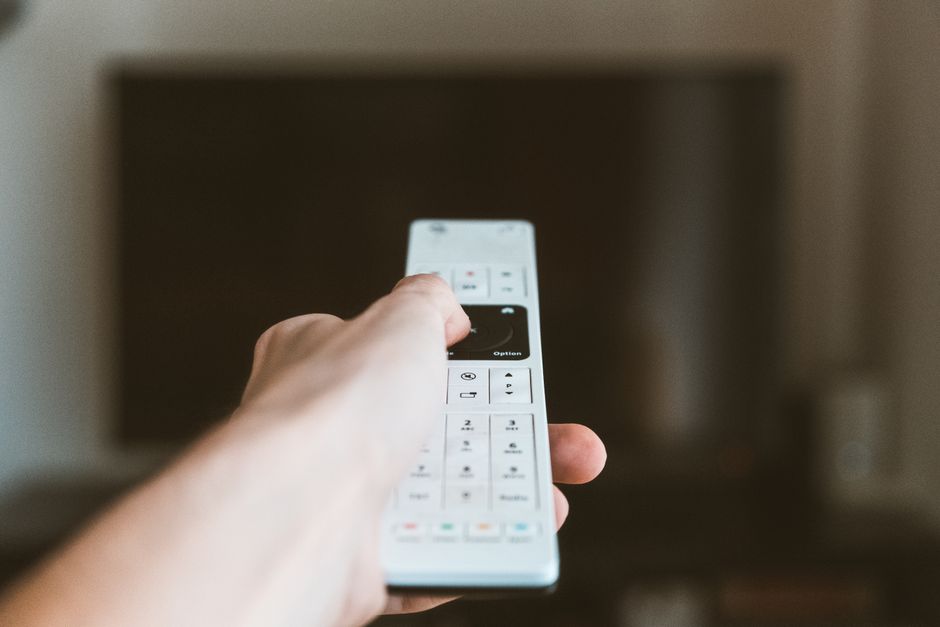
The three types of IPTV: live, on demand and catch-up
Almost every service is some blend of these, and the words get used loosely in marketing.
| Type | What it is | What it needs from you |
|---|---|---|
| Live | Channels streaming in real time, the closest thing to cable | Steady sustained throughput for the whole programme |
| Video on demand (VOD) | A catalogue of films and box sets you start whenever | The same throughput, but pausing costs you nothing |
| Time-shifted / catch-up | Programmes that already aired, replayable for a set window | Same as VOD, plus the provider holding the recording |
The practical difference is failure behaviour. A VOD title that stutters can be paused for thirty seconds while the buffer refills and then watched cleanly. A live football match cannot — it keeps going whether you have the bandwidth or not, which is why the complaints all arrive on a Saturday afternoon.

IPTV vs cable, satellite and Netflix-style streaming
| IPTV | Cable / satellite | OTT streaming (Netflix, Disney+) | |
|---|---|---|---|
| Delivery | Your internet connection | Dedicated coax, fibre or a dish | Your internet connection |
| Content shape | Live channels first, catalogue second | Live channels, fixed lineup | Catalogue first, live is a bolt-on |
| Hardware | A player you already own | Provider's box, on a contract | A player you already own |
| Fails when | Your line dips at peak | Weather, cable fault | Your line dips at peak |
There is a definitional argument here that the technical guides make and the shops ignore, and you should know which one you're reading.
In the textbook sense, IPTV means a managed, private network — a phone company delivering channels over its own infrastructure, end to end, where it controls the quality of service. OTT means anything sent "over the top" of the public internet, with no such control. By that definition Netflix is OTT and your telephone provider's TV package is IPTV.
In ordinary usage, "IPTV" has drifted to mean any subscription that gives you a channel list you load into a player over the public internet. That is what almost everyone selling "IPTV" today is actually selling, us included, and it is technically OTT. Nobody is being deceptive by using the popular meaning, but if a service page tells you a private managed network guarantees your quality, check whether they own any network at all.
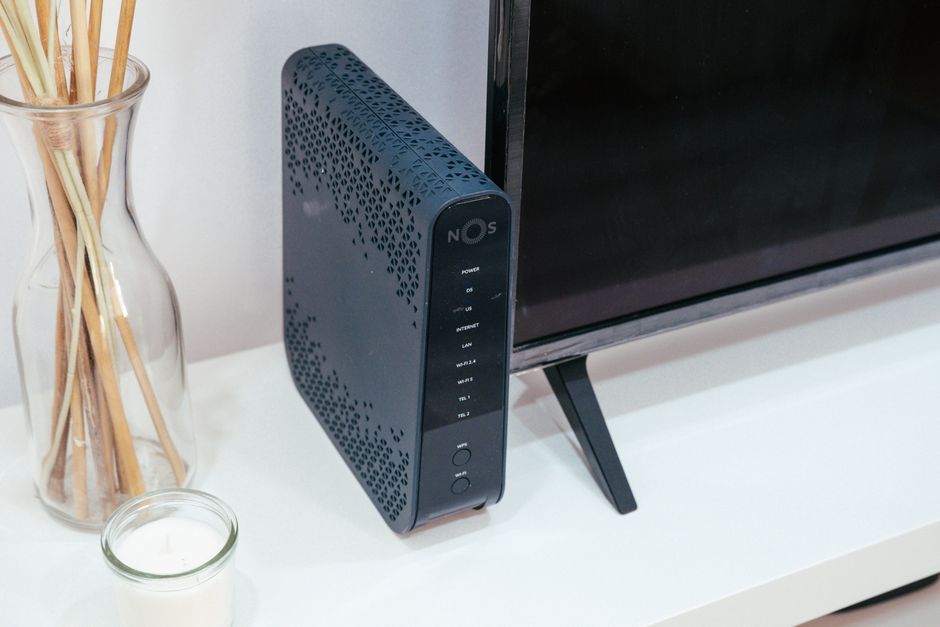
What you need to watch IPTV
Three things, and no dish, aerial or provider-issued box among them.
- A device. A Fire TV Stick, an Android TV box, an Apple TV, a games console, a smart TV, a phone, or a laptop running VLC. Setting one up on a Firestick takes about ten minutes end to end.
- An app. IPTV Smarters, TiviMate and similar players. On Fire TV and Android TV this usually means sideloading, because the players are not all in the built-in stores.
- Credentials. An M3U playlist URL or Xtream Codes login, plus the separate EPG URL if your provider issues one.
And a connection that can hold the bitrate. These are the FCC's published figures, per simultaneous stream, sustained:
| Quality | Sustained speed needed |
|---|---|
| SD | 3–5 Mbps |
| HD (720p/1080p) | 5–10 Mbps |
| 4K / UHD | 25+ Mbps |
Per stream is the phrase people skip. Two 4K televisions running at once need 50 Mbps of headroom between them, and that is before anyone opens a video call or a games console starts downloading a patch in the background. If you are weighing up how many rooms you can serve at once, work out the total first and read the device limits on the plans page second.

Is IPTV legal? The honest answer
The technology is legal everywhere. Sending video over IP is what every telephone company, broadcaster and streaming platform on earth does. There is no jurisdiction where the protocol is the problem.
The service is a different question, and it has exactly one test: does the provider hold distribution rights for the content it is selling? Licensed services buy those rights, which costs real money and constrains what they can offer. Unlicensed services don't, which is why they can advertise every channel and every film in the world for the price of a sandwich.
That difference falls on the buyer more than people expect. An unlicensed service can vanish between one Saturday and the next, taking your payment with it, and there is no ombudsman for a subscription you bought from a Telegram channel.
So ask any provider — us included — for their rights position in writing before you pay, and treat a marketing page that discusses licensing in vague, cheerful terms as an answer in itself. I am not going to make a claim on this page about our own catalogue that I cannot hand you the paperwork for, and neither should anyone else.

How to tell a licensed provider from a pirate one before you pay
There is no certificate to check, so you are reading signals. These are the ones that actually correlate.
- The price is impossible. Sports and first-run film rights cost tens of millions. Nobody licenses them and then charges less per year than one month of a single sports package.
- "Lifetime" access. A recurring service sold as a one-off payment is priced by someone who does not expect to be delivering it in three years.
- You cannot find the cancellation terms before you join. This is the biggest trust problem in the category, and publishing the terms plainly costs nothing. If leaving is hidden, assume it was designed to be hard.
- Payment is by bank transfer, crypto or a messaging app. Card payment means a chargeback route and a payment processor who did some due diligence. The absence of it is the point.
- There is no company behind it. No registered entity, no address, no named human, no support channel that predates last year.
And the one that everybody in this market gets backwards. A channel count is not a product. "Over 20,000 channels" tells you nothing about whether the forty you would actually watch hold up at 8pm on a Saturday, and it is trivially inflated by counting the same feed forty times at different qualities. Every provider leads with the biggest number it can justify, which is precisely why the number stopped meaning anything. Judge a service on stability and on which players it supports properly, and ask for a short trial so you can test at peak rather than at noon.
Why IPTV buffers when your internet is fast
This is the reason most people end up reading a page like this one, so here is the mechanism rather than a shrug.
A speed test measures a burst — a few seconds of maximum throughput to a server that is probably in your own city. A stream needs the same throughput continuously, for ninety minutes, from a server that probably isn't. Those two things can differ enormously on the same line, and the gap is where buffering lives. A 300 Mbps result at noon does not mean the line will hold a steady 25 Mbps at nine.
Three things to check, in this order, before you blame any provider.
- Wire it in. An Ethernet adapter removes the largest single variable in the chain, and it is the most effective buffering fix there is. A cable along the skirting board is nobody's proudest interior decision. It also settles the argument in about four minutes.
- Move off 2.4GHz. If you cannot wire it, put the player on the 5GHz band. The 2.4GHz band shares spectrum with microwaves, cordless phones and every neighbouring network — in a block of flats, twenty networks can be competing for the same airtime. Distance to the router is rarely the problem. Airtime is, and the Wi-Fi Alliance has the detail.
- Test at midday, then again at 9pm. Fine at noon and unwatchable in the evening points at your ISP's path to the stream at peak, not at your device and not at your provider. If it stops over a VPN, that is your confirmation.
If the app itself is slow to open or crashing rather than stuttering mid-stream, that is a different fault with a different fix — clearing the cache on the player handles that one, and it will do nothing at all for buffering.

Who IPTV is the wrong choice for
Worth being direct about this, because the rest of the market never is.
- A single 4K television on a line that cannot hold a sustained 25 Mbps. No provider fixes that. Changing services will change nothing except who you are annoyed with. Fix the connection or watch in HD.
- Anyone who wants one specific competition. If there is an official app that sells exactly that, buy it. It will be cheaper, it will be licensed, and it will not need sideloading.
- Anyone who wants a like-for-like cable replacement with an engineer visit. The support model here is an email inbox and a person reading it. That suits some households and genuinely does not suit others.
- Anyone unwilling to sideload an app or type a long URL with a remote. It is not difficult, but it is fiddly, and pretending otherwise just produces a refund request on day two.
Where to go once the concept has landed.
- →How to install IPTV on a Firestick — the theory above turned into ten minutes of menu paths, including sideloading and getting the playlist URL in without typos.
- →Clearing the cache on a Firestick — the fix for a slow or crashing player, and a plain explanation of why it does nothing for buffering.
- →Plans, device limits and cancellation terms — including the setups we're the wrong choice for, which is the section worth reading before you pay anyone.

Straight answers, marked up for Google.
- What does IPTV stand for?
- Internet Protocol Television. It means television delivered over an internet connection using the same TCP/IP networking that carries web pages and email, rather than over a coaxial cable, a satellite dish or a terrestrial aerial.
- How is IPTV different from traditional TV?
- Traditional television broadcasts every channel continuously and your tuner selects one. IPTV sends nothing until you request it, so a single stream travels to you on demand. That two-way connection is what makes pausing live channels, catch-up and on-demand catalogues possible.
- Is IPTV legal?
- The technology is legal everywhere — it is how telephone companies and streaming platforms deliver video. Whether a particular service is legal depends on one thing: whether it holds distribution rights for the content it sells. Ask any provider for their rights position in writing before paying.
- Do you need internet for IPTV?
- Yes. The internet connection is the delivery mechanism, so there is no offline mode beyond whatever a player has already downloaded. You need sustained throughput rather than a high peak speed, because the stream draws continuously for the length of what you are watching.
- How much internet speed does IPTV need?
- Per the FCC broadband speed guide, allow a sustained 3–5 Mbps for SD, 5–10 Mbps for HD and 25+ Mbps for 4K. Those figures are per simultaneous stream, so two 4K televisions need roughly 50 Mbps of headroom between them before anything else on the network is counted.
- What equipment do you need for IPTV?
- A device that can run a player app — a Fire TV Stick, Android TV box, Apple TV, smart TV, phone or laptop — plus a player such as IPTV Smarters or TiviMate, and your credentials. No dish, aerial or provider-issued set-top box is required.
- Can you watch IPTV on multiple devices at the same time?
- Technically yes, and the limit comes from two places: how many simultaneous connections your subscription permits, and whether your line can carry them. Each stream needs its own bandwidth, so three HD streams need 15–30 Mbps sustained between them. Check the device limit on the plans page before assuming.
- What is the difference between IPTV and OTT streaming services?
- In the strict sense IPTV runs over a managed private network the operator controls, while OTT runs over the public internet with no such control, which makes Netflix and Disney+ OTT. In everyday usage IPTV has come to mean any subscription channel list loaded into a player over the public internet, which is technically OTT.
These eight questions are also emitted as FAQPage schema in the page head, so Google may show the answers directly in the results. Or not. You never really know with Google.

Still stuck? Email us.
If something here didn't answer it, tell us which player you're using, what your line tests at, and what the stream does at 9pm compared with midday. Those three details skip about four replies.
If you're still deciding, the plans page lists device limits and how to cancel in plain words, and the rest of the guides cover the individual players end to end.