IPTV Smarters Pro Windows: Installation & Xtream Codes Setup
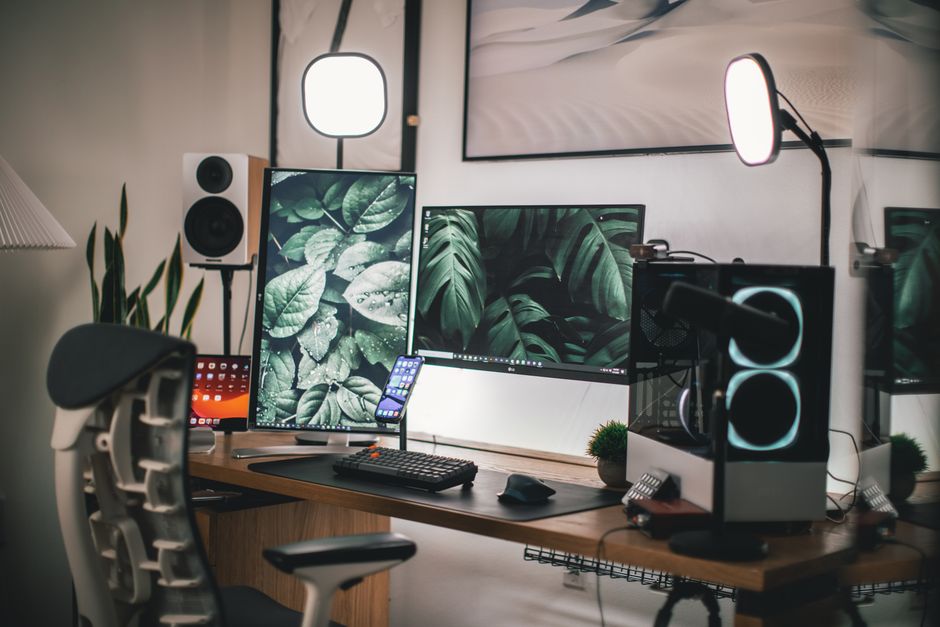
Install the genuine app from the Microsoft Store to avoid malware. Logging in via the Xtream Codes API is faster than loading an M3U file, and running the player on Windows bypasses the memory and thermal throttling limits of budget streaming sticks.
Windows hardware changes the streaming equation. A mid-range PC running IPTV Smarters Pro natively handles a 40,000-channel M3U list that would crash a standard smart TV. Using a Windows 10 or 11 machine as your primary decoder bypasses the memory limits that cause buffering on entry-level sticks.
IPTV Smarters Pro is a media player, not a content provider. It requires an active subscription from a third-party host. Here is how to install the genuine application, configure it via the Xtream Codes API, and why a desktop provides a more stable feed.

Where to download the Smarters Pro app for Windows
The Windows ecosystem is full of unofficial clones carrying malware. The only verified source is the Microsoft Store.
- Open the Microsoft Store from your Start menu.
- Search for "IPTV Smarters Pro".
- Verify the developer matches the official WHMCS Smarters listing.
- Click Get to install it directly.
Avoid third-party software aggregators offering direct .exe downloads. The legitimate application is free and requires no activation fee.

How to install and log in via Xtream Codes
The Xtream Codes API is the industry standard because it allows the player to request categories on demand rather than downloading the entire channel database at launch.
Select Add New User, then choose Login with Xtream Codes API. You will need four details from your host:
- Any Name: A local label (e.g., "Main Sub").
- Username: Provided by your host.
- Password: Provided by your host.
- URL: The portal address (e.g.,
http://portal.example.com:8080).
Click Add User. If the connection times out, verify your host has not geoblocked your IP and the URL includes the correct port.
The hardware impact of large playlists
Oversized playlists act as a denial-of-service attack on low-RAM streaming hardware. A user recently loaded an uncurated M3U playlist containing 82,000 channels onto an entry-level streaming stick equipped with 1 GB of memory. The player ran out of heap memory while indexing line 34,000, crashing the application and causing an OS reboot loop. Once dropped to 1,400 active channels, the same player parsed the guide in 2.2 seconds.
When running Smarters Pro on a Windows machine with 8 GB or 16 GB of RAM, the system parses an 80,000-channel list into memory without crashing. However, initial load times remain longer than necessary. Ask your provider to prune your account server-side to limit categories.
Why a PC decoder outperforms a budget stick
High-frame-rate 1080p feeds running at 8.6 Mbps demand sustained hardware decoding. Budget sticks run 32% hotter under continuous software decoding before thermally throttling. Pairing a modern high-refresh television with an underpowered €25 dongle introduces micro-stutter that no server-side optimization can fix.
A Windows PC utilizes the hardware video decoders built into its Intel, AMD, or NVIDIA graphics processor. This offloads the decoding work entirely, preventing thermal throttling and maintaining consistent frame pacing across a 50 FPS sports broadcast. Furthermore, hardwiring your Windows PC to the router via a Gigabit Ethernet port eliminates the airtime contention that plagues 5GHz Wi-Fi.
What to read before you pay a provider.
- →Plans, billing terms and cancellation — the credentials each plan issues, with the simultaneous stream limits and the notice period written out.

Straight answers, marked up for Google.
- Is IPTV Smarters Pro legal to use on Windows?
- Yes. The application itself is merely a video player, identical in function to VLC or Windows Media Player. The legality depends entirely on the copyright status of the streams you choose to load into it.
- Can I run it on Windows 7 or 8?
- While older versions may run on legacy Windows operating systems, the current releases require Windows 10 or Windows 11 to utilize modern hardware decoding pathways properly.
- Why does the app show an 'Invalid Details' error?
- This indicates the Xtream Codes credentials or portal URL are incorrect, or your subscription has expired. Double-check for typos, ensuring there are no trailing spaces at the end of the portal URL.
- Does it support 4K playback?
- Yes, provided your Windows PC has the hardware capabilities to decode HEVC/H.265 streams at 4K resolution and your internet connection can sustain the required bandwidth.

Still stuck? Email us.
If you are fighting continuous buffering despite having a gigabit connection, the issue is often upstream transit congestion. We can test your route and provide an honest assessment of whether the bottleneck is your hardware, your local network, or the stream provider itself.